


How an Agency Can Switch to Remote Work: Our Life Hacks
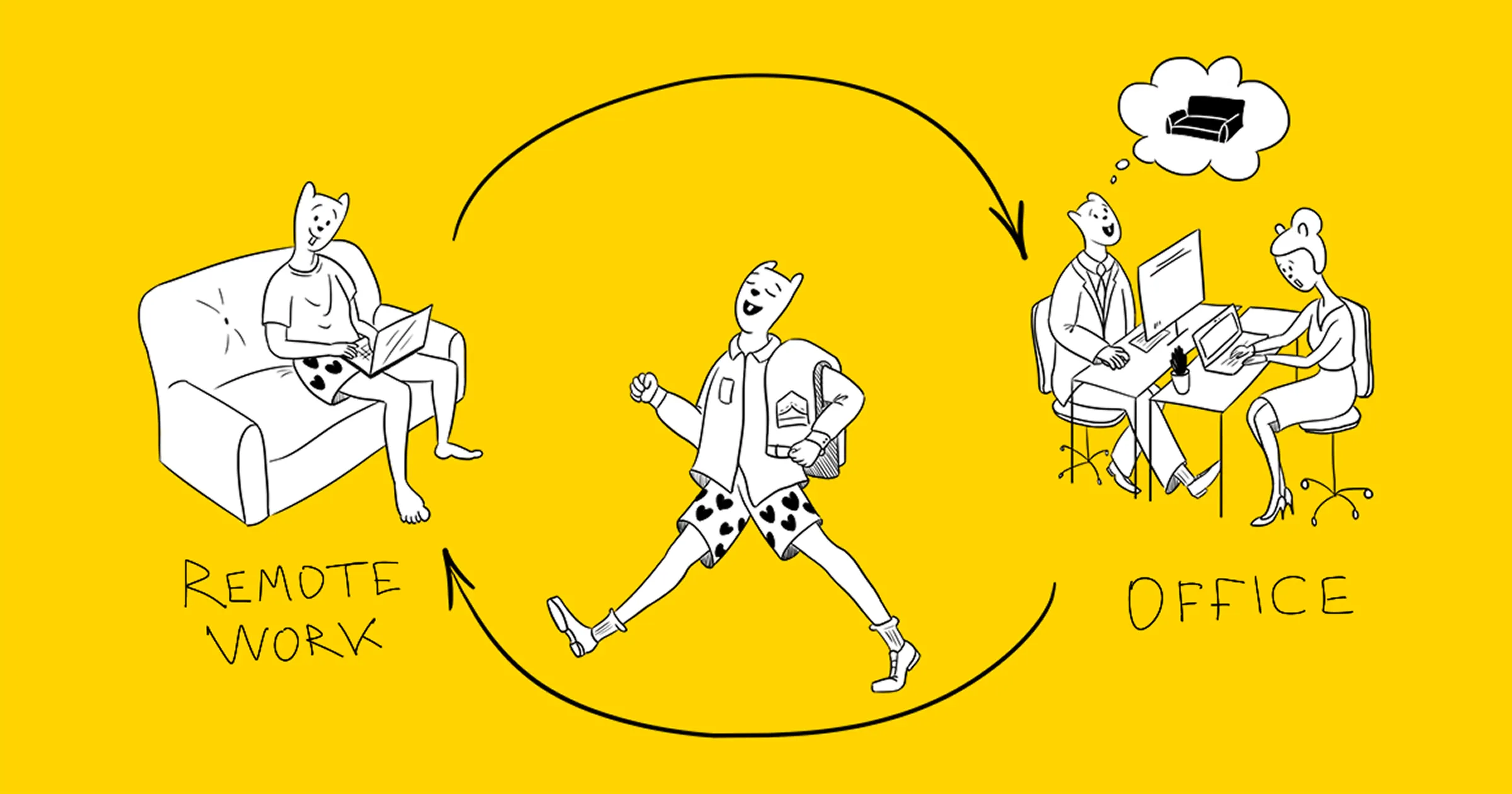
Here are a few useful everyday principles from our founder, Alex Ustinov, that are easy to overlook when remote work becomes a long-term reality rather than a temporary fix.
Today, most IT and non-IT companies either already operate in a hybrid or remote format or continue adapting their processes to fit the new reality. For many, the switch to remote work was initially a forced decision, but over time, it has become a sustainable work model. We’ve been through this journey and want to share what has worked for us.
Six years ago, we built a remote team when we started the agency.
We were confident that we could make it work.
- Our team consisted of five people who were well acquainted with one another. We had experience working together in person and a long history of collaboration. We understood each other perfectly, and that’s a key factor for success. More on that below.
- We didn’t have any clients in our city. There were no in-person meetings with clients.
- We had all worked in offices at our previous jobs, and we were utterly exhausted by it. Back then, the office felt like a place of unnecessary chatter and small talk, not a space for focused work.
What You Need to Understand Before Switching to Remote Work
Remote work isn’t just about chats, cloud folders, and a good internet connection; in other words, infrastructure. It’s a shift in business processes and work culture, and the cultural part is even more important than the technical one. What truly connects a remote team is the opportunity to create amazing things with great colleagues while living a full and meaningful life.
Remote Work Infrastructure

Core principles: All tools should be cloud-based, and every team member should use the same tools.
- Transparent communication. Back then, we used Skype for calls and chats. Today, our team uses Google Chat as the primary communication tool. Each project has its dedicated channel. This is crucial because it ensures that everyone on the team can see the full context of project discussions. We break down tasks, share images, links, and updates.
- Video calls for discussion. Back then, we used Skype. Now we rely on Zoom and Google Meet. A video call with screen sharing is one of the fastest ways to resolve any issue. It allows you to look your teammate in the eye, quickly discuss the task, see each other’s expressions, and pick up on emotional tone.
- Consistent availability during the workday. Everyone works roughly at the same time. Work schedules between team members can shift slightly, but they shouldn’t constantly change. Otherwise, it becomes tough to plan communication and coordinate schedules. It’s essential to post in the general chat at the beginning and end of your workday to signal that you’re online. You should also let the team know when you’re taking a lunch break or stepping away, which should be communicated in the general chat and the relevant project channel.
- There are personal calendars that can be shared with teammates. There’s also a shared team calendar where everyone marks vacations, days off, and group meetings.
- Transparent and accessible information storage. We use Google Drive for file storage. Each project has a clear folder structure. In addition, there are shared folders for different types of information, each with specific access rights. Every document is created directly in the appropriate folder. Without this kind of structure, things can quickly become chaotic.
- All documents are created in cloud format so they can be easily shared with others.
- Managing and discussing design files in the cloud. Figma is our go-to tool. It offers a very convenient system for collaboratively commenting on and discussing design mockups.
- Cloud-based tool for mapping out ideas, diagrams, and connections. We use Miro to visualize and structure our thoughts.
- A task tracker for managing projects. Tasks are created and managed in the tracker, not in email. This is important to keep all task-related information in one place and ensure workflow transparency.
- Knowledge base. A structured set of interconnected articles designed to help people navigate common questions that arise during the workflow.
Work Culture

Five core principles of remote work:
- Trust
- Kindness
- Openness
- Finding fulfillment in what you do and achieve, not in the ritual of going to the office
- Independence
Trust
If we bring someone to the team, it means we trust them. They don’t need to be micromanaged. They understand the rules of how we work, and they follow them.
Kindness
- Don’t interrupt each other. In remote calls, it’s easy for meetings to turn into chaos if everyone speaks at once. Listen actively and take turns speaking.
- Greet each other. In text-based communication, it can be hard to discern emotional tone. Don’t hesitate to jump on a call.
- Be patient. If someone doesn’t understand something, explain. Share your screen, sketch a quick diagram.
- Turn on your video during calls. Look at the person you’re talking to. If you are shy about showing your home, use background blur or a virtual background.
Openness
- All tasks should be clearly and thoughtfully described in the task tracker.
- Project discussions should occur in the project channel, not in private messages.
- Call results should be documented in written form.
- All work materials and results should always be uploaded to the cloud.
- Before starting work on a task, have a voice call to ensure everything is clear. Then, hold a kickoff meeting to discuss goals, tasks, deadlines, success metrics, risks, project stages, and team roles.
- All design mockups are stored and discussed exclusively in Figma. They should not be shared via email or Messenger.
- Sync calls should be held either daily or weekly.
- The stages of the workflow are clear to everyone on the team. Everyone knows what should be in place at the beginning of each stage and what the expected outcome should be at the end.
Focus on the joy of the work itself, not the ritual of going to the office
- We discuss tasks within projects. We don’t just drop them on someone’s to-do list.
- We run retrospectives at the end of each project.
- We involve team members in improving processes and addressing weak points in project work.
Independence
- Team members take the initiative to reach out when they need to.
- They summarize the key points of the discussion themselves.
- They check the calendar and join calls and meetings on their own.
- They’re able to manage their presence at the workplace.
- They stay present and communicate during working hours.
Onboarding new specialists
The biggest challenge is onboarding and integrating new specialists into the team’s culture.
The good news is that you can hire people from different cities, which broadens your talent pool. The downside is that bringing on junior specialists or interns is difficult. You need to hire experienced professionals. People who can manage themselves and genuinely embody the team’s principles and work culture, not just talk about them.
Hiring principles for a remote team
- Don’t rush the hiring decision.
- Define precise requirements and a detailed profile of the ideal candidate.
- Conduct a series of interviews and test tasks to understand whether the candidate is a good fit for us, and whether we are a good fit for them:
* An initial set of questions via chat to assess knowledge, skills, and soft skills
* A test assignment
* A discussion of the assignment with a team lead
* An interview with team members - The first stage of work begins with onboarding:
* Getting to know the team, the culture, and the tools
* Getting familiar with the tasks
* A feedback conversation after the first week. The goal is to understand what the person has grasped about the company, its projects, and their area of responsibility.
Requirements for People and Processes in a Remote Work Environment
- Remote work reveals a person’s true work qualities.
Office work often masks employee laziness. A person is “at work.” He is doing something. For many, that’s enough to be seen as a good employee.
Remote work is different. No results? Can’t manage your time? Goodbye. - Remote work requires the manager to have deep subject matter knowledge, ideally at the level of a developer.
In offline settings, laziness and poor process management are often easy for managers to hide. Tasks are vague, not well thought out, or broken down. Instructions are given verbally, and often confusingly.
In remote work, high-quality management is a necessity:
* Tasks must be thoughtfully prepared and broken down into clear stages in advance.
* The manager must have a solid understanding of the subject area to oversee the process effectively and communicate clearly with the team. - Remote work doesn’t tolerate poor team organization.
The most hidden problem of office work is poor process organization. After all, you can always just walk over and ask a colleague. On the other hand, offices make it easier to discuss work issues quickly, hold a brainstorming session, or share a new idea with the whole team.
In remote work, the workflow must be clear, predictable, and transparent. You need to use the right tools to organize the work: task trackers, CRMs, file storage systems, and so on. It’s not about declaring their use; it’s about strictly and consistently working with them.
Remote work has its advantages
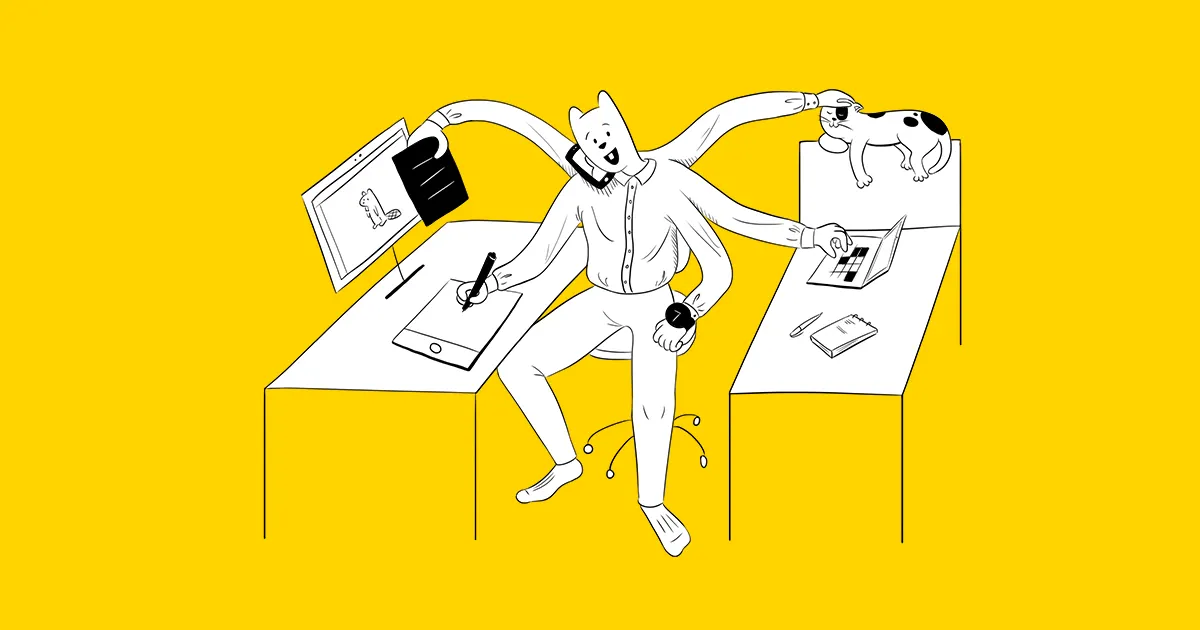
No commuting. The fridge is always nearby. You can pet your cat whenever you like. But none of that matters if the workflow isn’t set up correctly. Suppose the work culture doesn’t support the core principles: trust, kindness, openness, focus on the work and its results, and independence.
The director must set up and maintain effective processes while closely monitoring shifts in team culture to ensure the team works efficiently and continues to grow.