


How to Know If Your Website Isn’t Working And What to Fix First
Alex Ustinov, our founder, has analyzed dozens of digital products while speaking with numerous founders from various industries. He has gathered most of the common mistakes and compiled them into an article.
- Lack of Focus on the Product Offer
- Broken Flow of Facts, Features, and Arguments
- Poor Content Hierarchy and Logical Structure
- Weak or Unclear Call to Action
- Poor Mobile Version and Visual Overload
1. Lack of Focus on the Product Offer
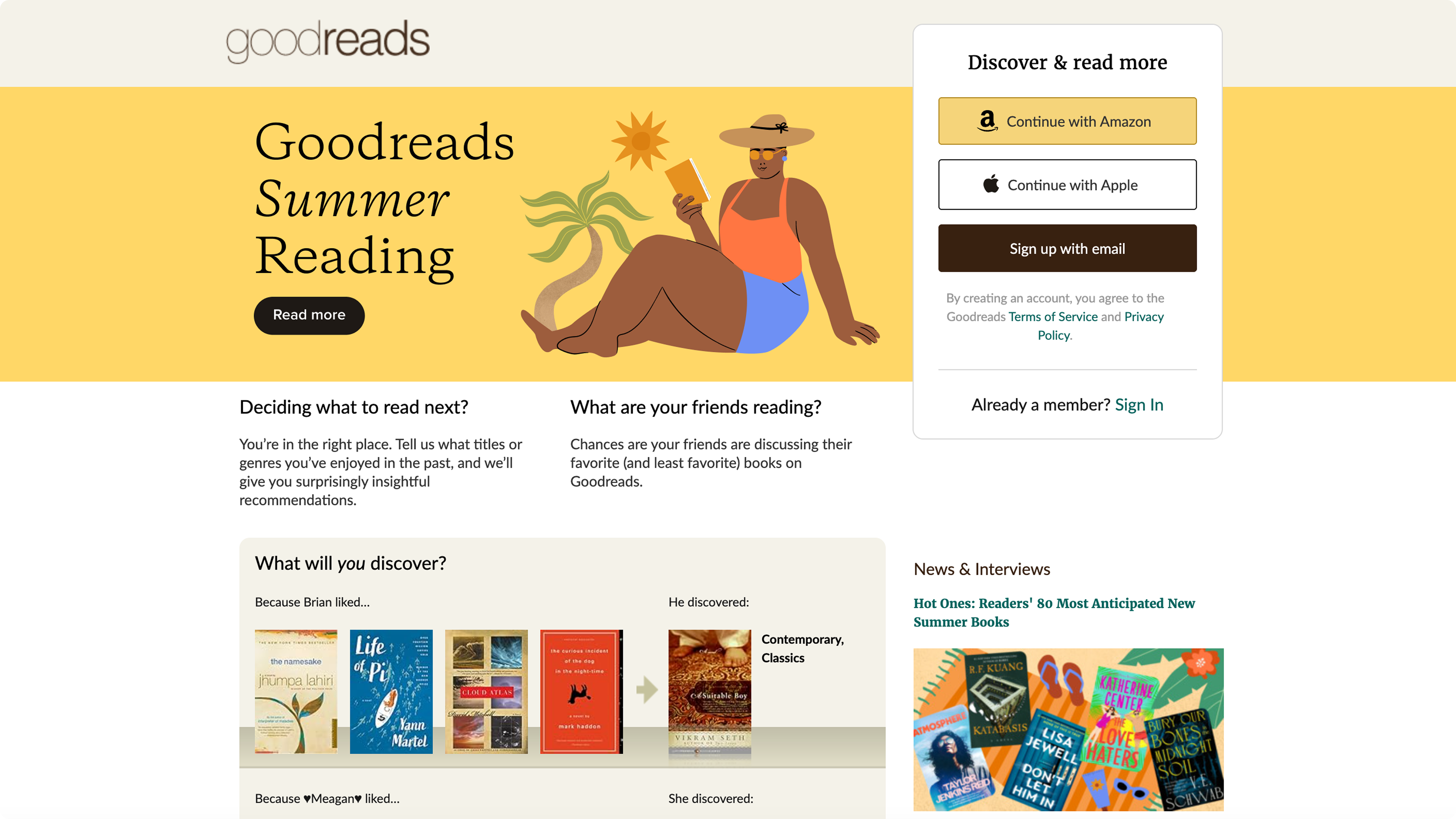
One of the biggest mistakes is when it’s unclear what the product does and why it matters.
A visitor lands on the page, sees a vague statement like “We create digital experiences”, and leaves, because they have no idea what problem this solves for them.
A clear product offer explains:
- Who the product or service is for
- What problem does it solve
- What makes it valuable or different
💡 Tip: A good product offer can usually fit into one clear sentence and be placed right at the top of your page.
2. Broken Flow of Facts, Features, and Arguments
Websites are conversations. A good one leads the visitor step by step, from problem to solution, then to proof, and finally to action.
When this flow is broken, the visitor gets confused.
For example:
- You show the pricing before explaining the value
- You highlight features before making the problem relatable
- You jump between points without a logical structure
💡 Tip: Think of your landing like a story: hook → problem → solution → benefits → social proof → action.
3. Poor Content Hierarchy and Logical Structure
Even if the content is good, poor structure can ruin the experience.
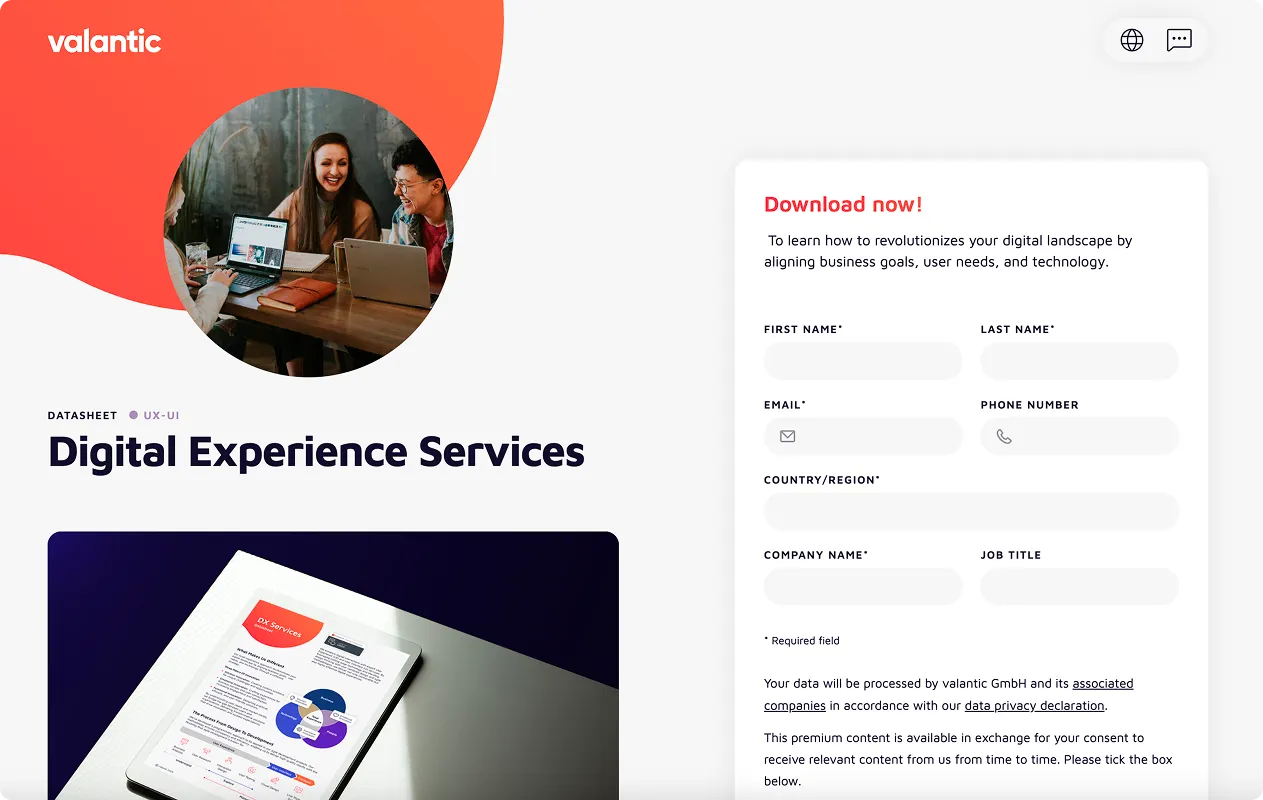
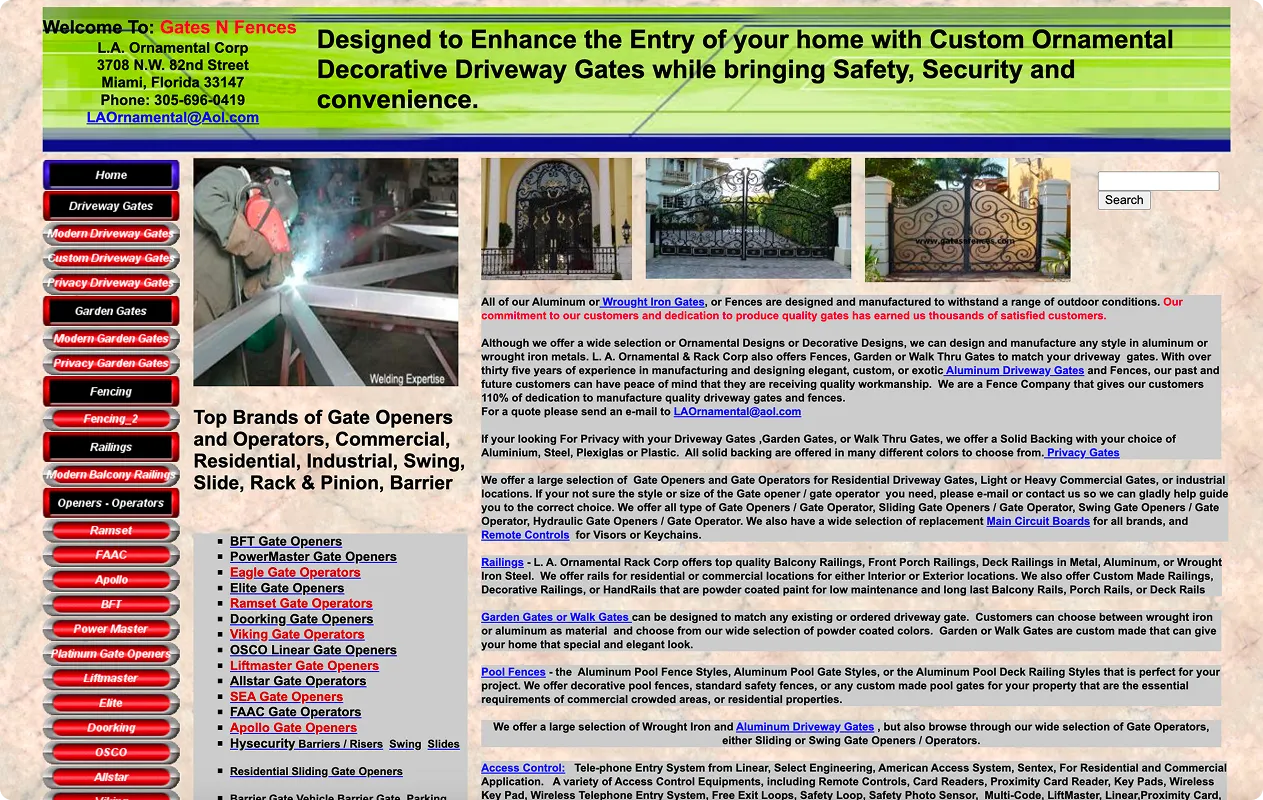
If everything looks the same on the page — exact font sizes, colors, layout — the eye doesn’t know where to focus. Users can’t scan the content. They don’t understand what’s most important, and where to go next.
This also includes blocks of content that feel disconnected, with no visual or logical bridges between them.
💡 Tip: Create a visual rhythm. Use clear headings, subheadings, paragraphs, and consistent layouts to guide the reader’s attention.
4. Weak or Unclear Call to Action (CTA)
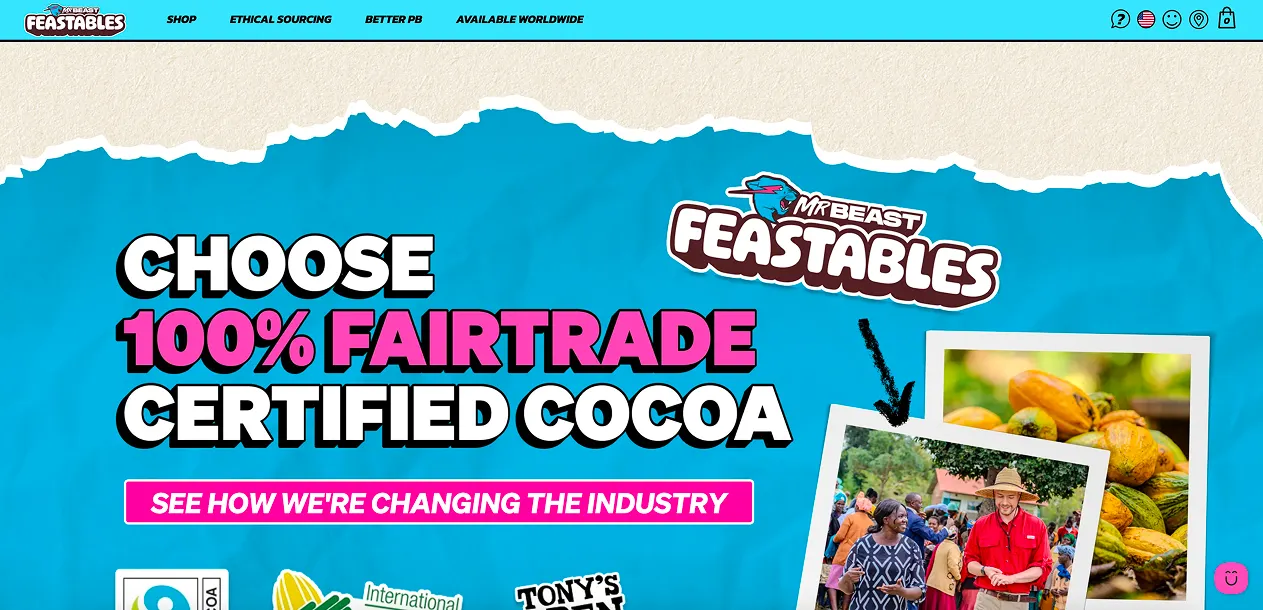
The goal of most websites is to guide users toward a specific action, such as trying a product, booking a call, or leaving a request.
But many CTAs are:
- Too generic (“Send”, “More info”)
- Hidden or too small
- Missing entirely in essential places
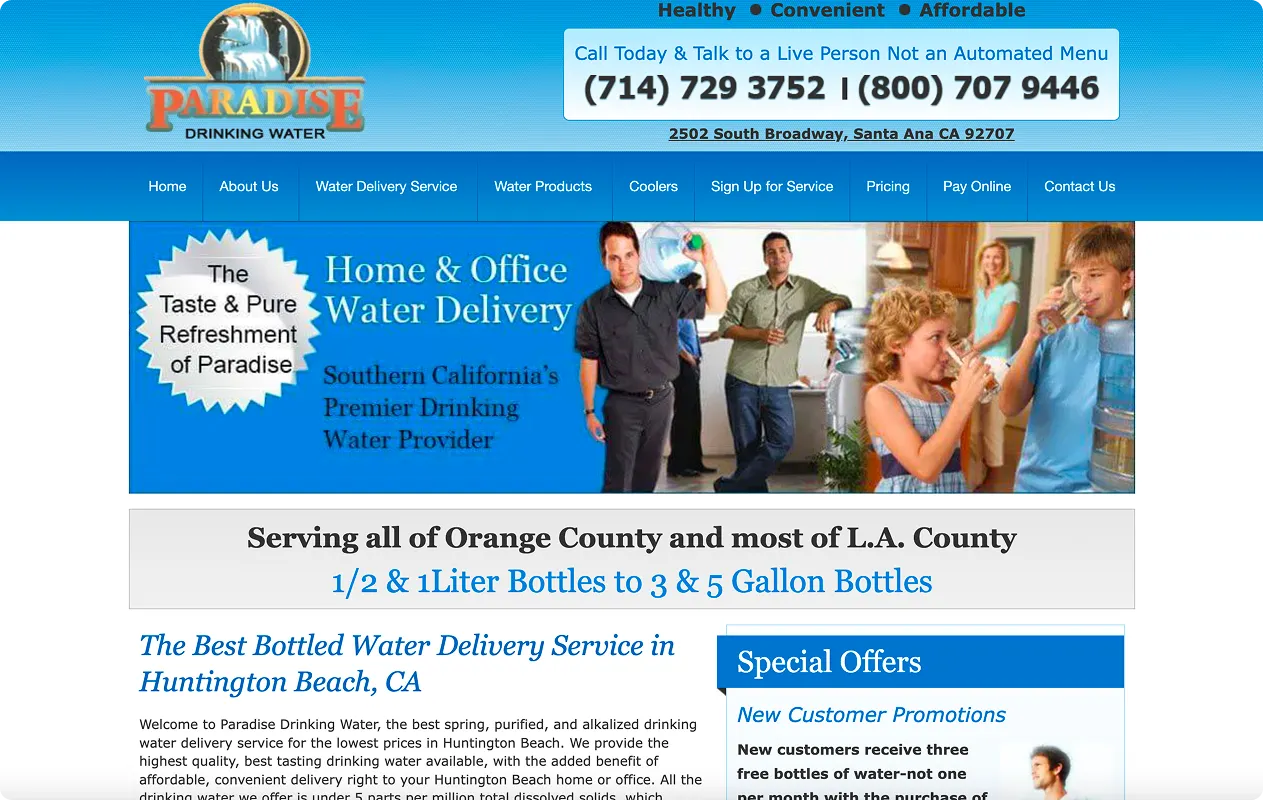
Your call to action should be clear, specific, and visible.
💡 Tip: Instead of “Submit”, say “Book your free consultation” or “Try it free for 7 days”. Make it obvious what happens next.
5. Poor Mobile Version and Visual Overload
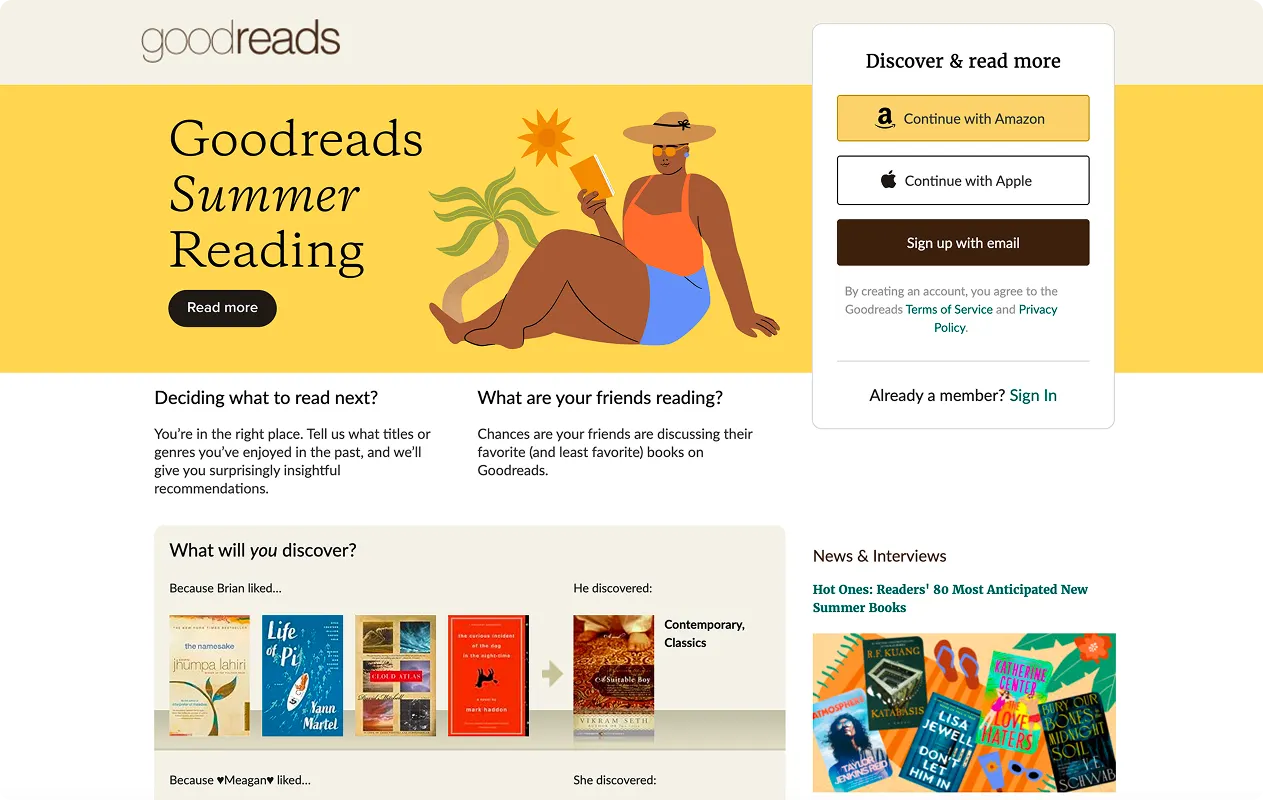
Most users today visit websites from their phones. And yet many pages:
- Looks broken on mobile
- Have tiny fonts or elements that overlap
- Use too many colors, icons, or animations
- Have low contrast, making text hard to read
All of this creates a noisy, frustrating experience.
💡 Tip: Always design with mobile in mind. Make sure the page is easy to read, navigate, and interact with on any device.
Want a Second Opinion?
If you’re unsure about your landing page or website, our founder, Alex Ustinov, is happy to review it and provide suggestions on how to improve it for free. He has already helped several businesses sharpen their messaging and design, and the feedback has been positive. Go and book a meeting right now!
At Beavers Brothers, we enjoy collaborating with thoughtful clients and helping them bring their ideas to life as meaningful, high-converting digital products.
If you want a website or landing page that works, we’d love to help.